Skip to content

Colour theme

Region

Opens the same page on another regional site.

Search site

Search pages and articles

Ctrl+K · Search site
Menu

RapidKiosk Manager is licensed by Trucell and hosted by Ripple Networks in Sydney: platform, hardware, install, and support in one commercial conversation.

Retail kiosk software · LG hardware · one rollout

Self-service kiosks for retail: software, hardware, and fleet management

Retail kiosk software with the operations to back it: RapidKiosk Manager, licensed by Trucell, lets your team design self-service kiosk layouts on a live canvas, publish versioned profiles to a store, a group, or the whole fleet, and keep every unit licensed, monitored, and reachable from one console. Trucell also supplies LG Kiosk & Touch commercial hardware for Australia, so self checkout, waiting room queues, and product discovery arrive as one accountable rollout, from a free watermarked trial to white-label at scale.

Why kiosk fleets drift once the screens are on the floor

Retail kiosk software from Trucell targets the operational gap: screens go out with a one-off layout, then nobody can update them, license them, or even tell which units are offline without driving to the store.

  • Layouts get built once, loaded by USB stick or remote desktop, and drift store by store until no two kiosks show the same approved design.
  • Nobody owns visibility: a kiosk can sit dark for days before a customer complaint, not a monitoring alert, reveals it.
  • Software, hardware, and support come from different suppliers, so pricing is opaque and every fault turns into a vendor argument.

A kiosk earns its floor space only while the content is current, the unit is up, and someone is accountable end to end. RapidKiosk Manager exists to make that boringly routine: design, publish, license, and operate the whole fleet from one console.

One platform: design the experience, publish it, and keep every unit reachable

RapidKiosk Manager, licensed by Trucell, runs the full loop between what shoppers see and what your team controls.

  • Kiosk Designer

    Compose layouts on a live device canvas in portrait or landscape: heroes, category grids, featured products, banners, carousels, and lead forms arranged as shoppers will actually see them, across attract, home, category, search, product, cart, checkout, and confirmation screens.

  • Bind data and publish

    Widgets pull from datasets and Data Sources: live queries or curated lists managed in one view. Layout profiles are drafted, versioned, then published to a single kiosk, a store group, or the whole fleet, with organisation-scoped Windows installers, the RapidKiosk Android shell, and the host agent delivered from the same portal.

  • Operate the fleet

    Per-kiosk licensing with seat limits enforced on heartbeat, online and offline status on a 15 second pulse, remote browser view into the live session, operating system access via the host agent, and Wake-on-LAN to bring cold units back without a site visit.

Ready to put kiosks on the floor?

Tell us the sites, the use case, and the systems the kiosks must talk to. We come back with a hardware and licensing shape, honest fit guidance, and a path from free trial to rollout.

Prefer to talk now? 1800 316 529 Pick a time (opens Microsoft Bookings in a new tab)

What to include in your brief

  • How many kiosks and how many sites
  • Use case: self checkout, queue and call, or browse and promote
  • POS or commerce systems the kiosks must connect to
  • Timeline and whether hardware is needed

Three modes for the floor, one platform underneath

Self checkout, queue management, and product discovery share the same Designer, licensing, and fleet operations, so you are not buying a separate system per use case.

  • Self Checkout

    Browse, cart, and tender on the floor, wired to the systems you already run: Lightspeed POS, WooCommerce, SAP, or Dynamics 365 Business Central. Licensed per kiosk and quoted to match your stack, stores, and rollout.

  • Waiting Room

    Ticket issue, wallboard display, and counter call stations with multi-service queues, priority and appointment handling, and thermal ticket printing: service counters and click-and-collect desks run to a visible order.

  • Browse and promote

    Wayfinding, promotions, and product discovery without full checkout: hero and promo layouts, category and search, and lead capture forms for showrooms and brand floors.

LG commercial kiosk hardware, supplied and supported by Trucell

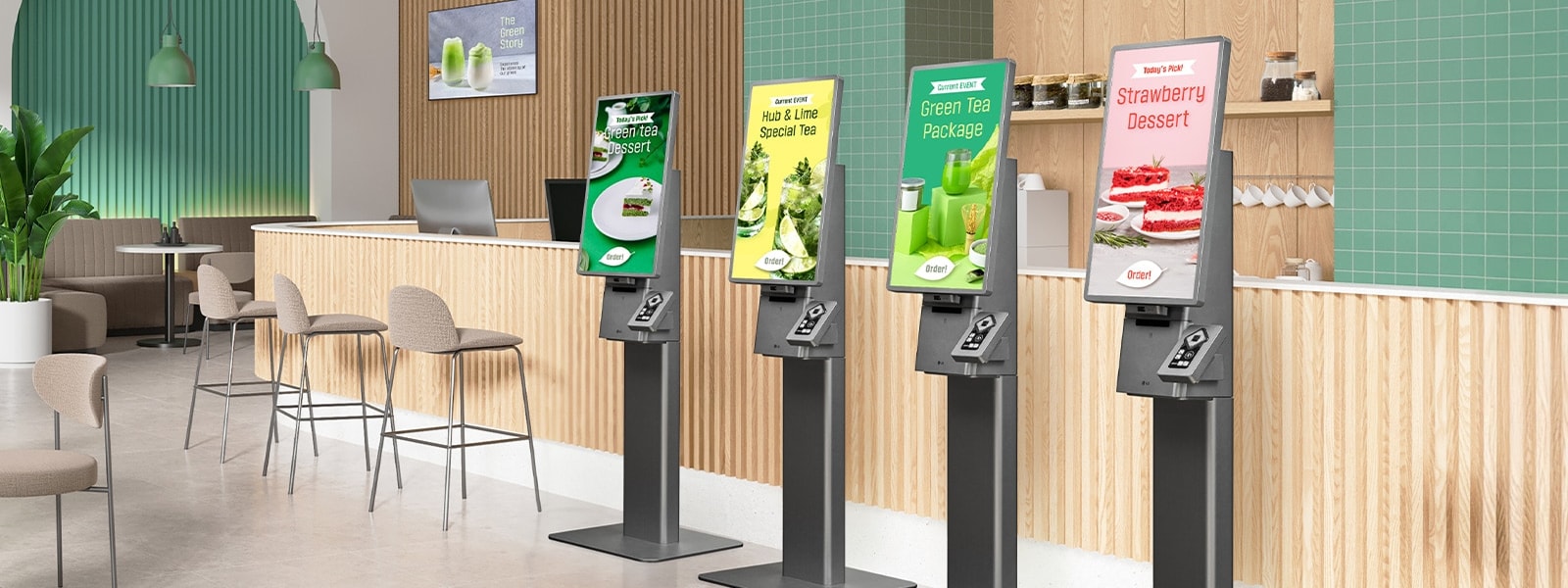
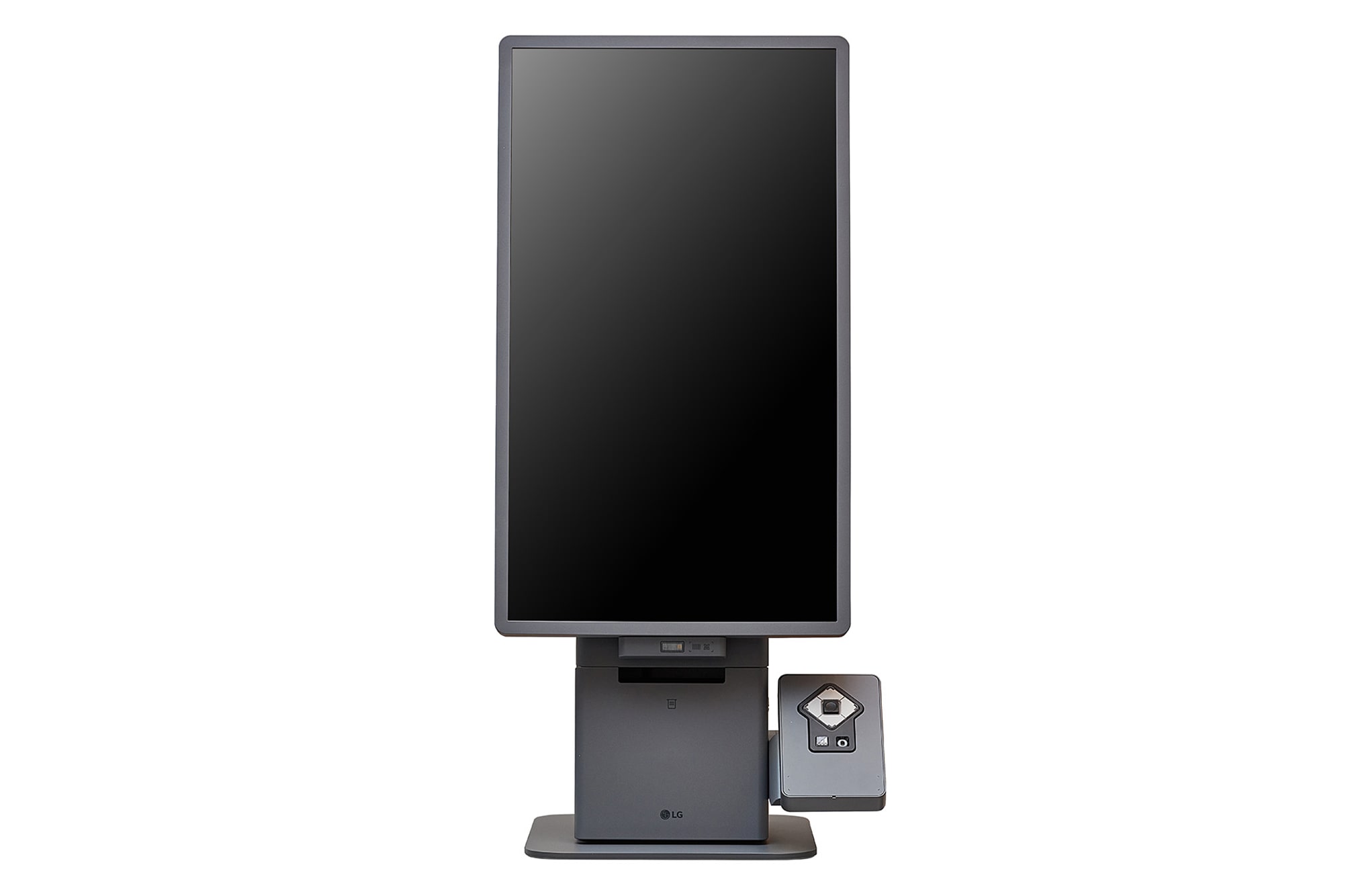
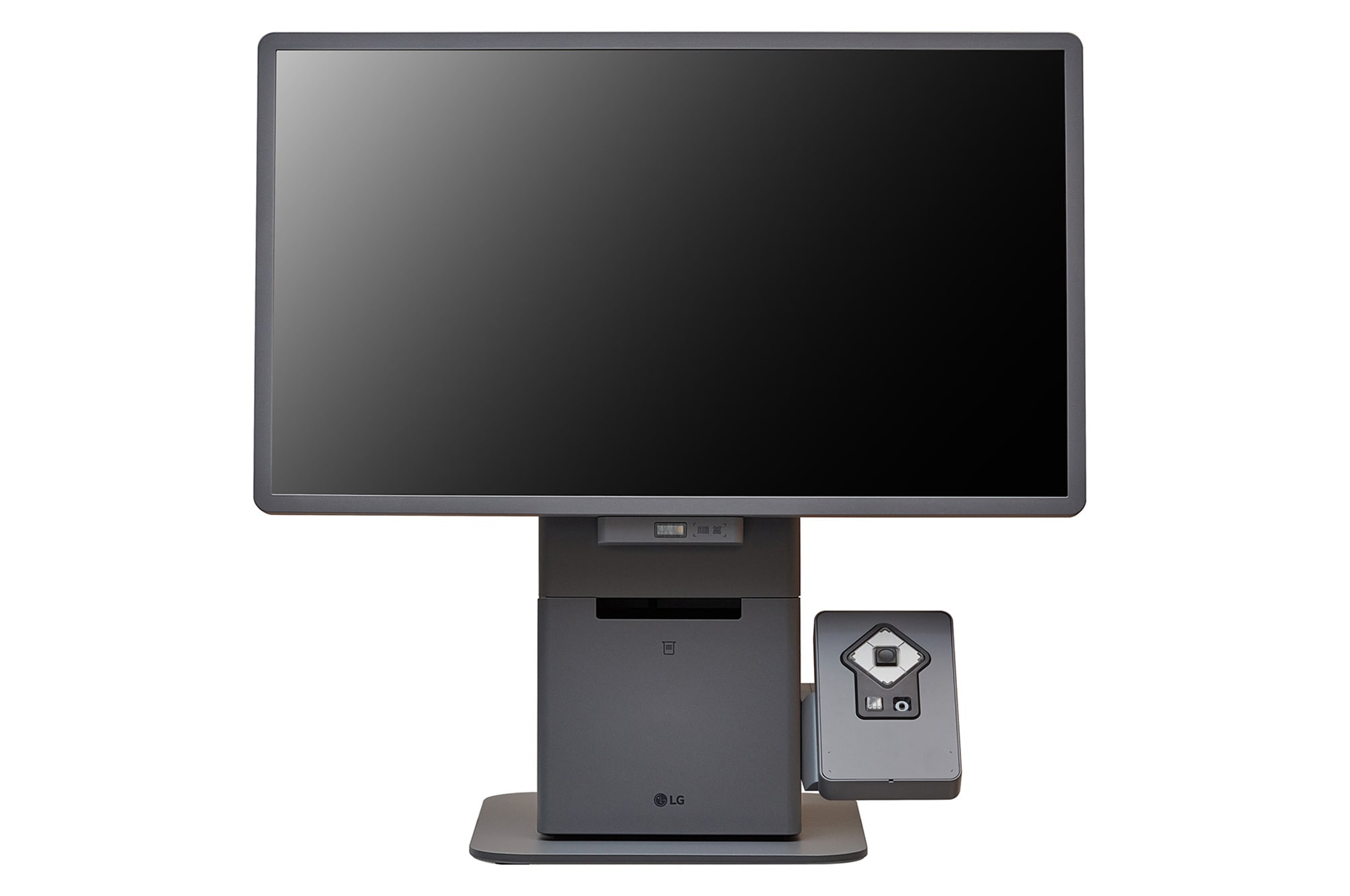
Trucell supplies LG Kiosk & Touch commercial displays for Australia and delivers hardware plus RapidKiosk software as one rollout: spec the unit, install the agent, publish a profile, license the seat.

  • Built for the floor

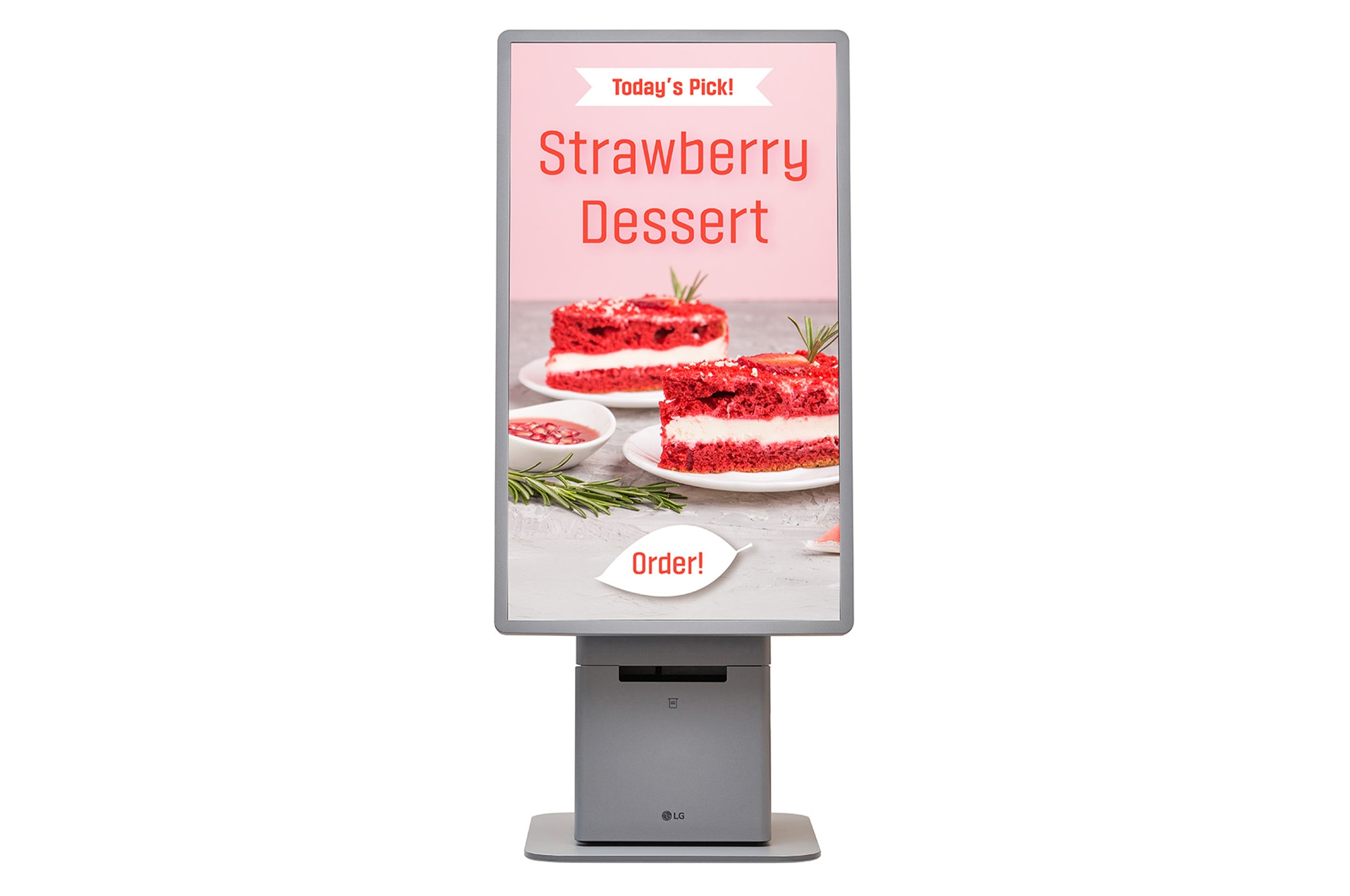
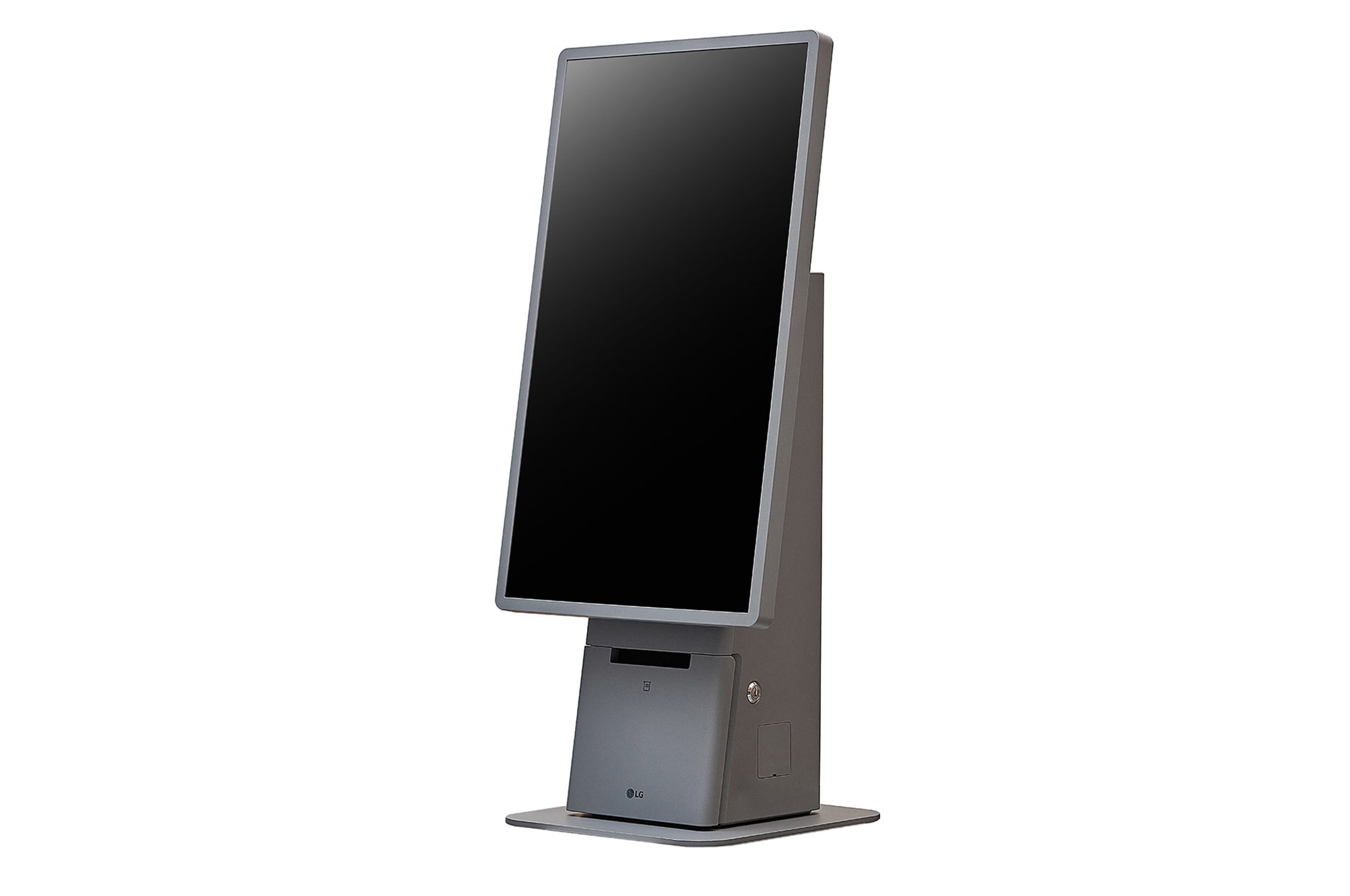
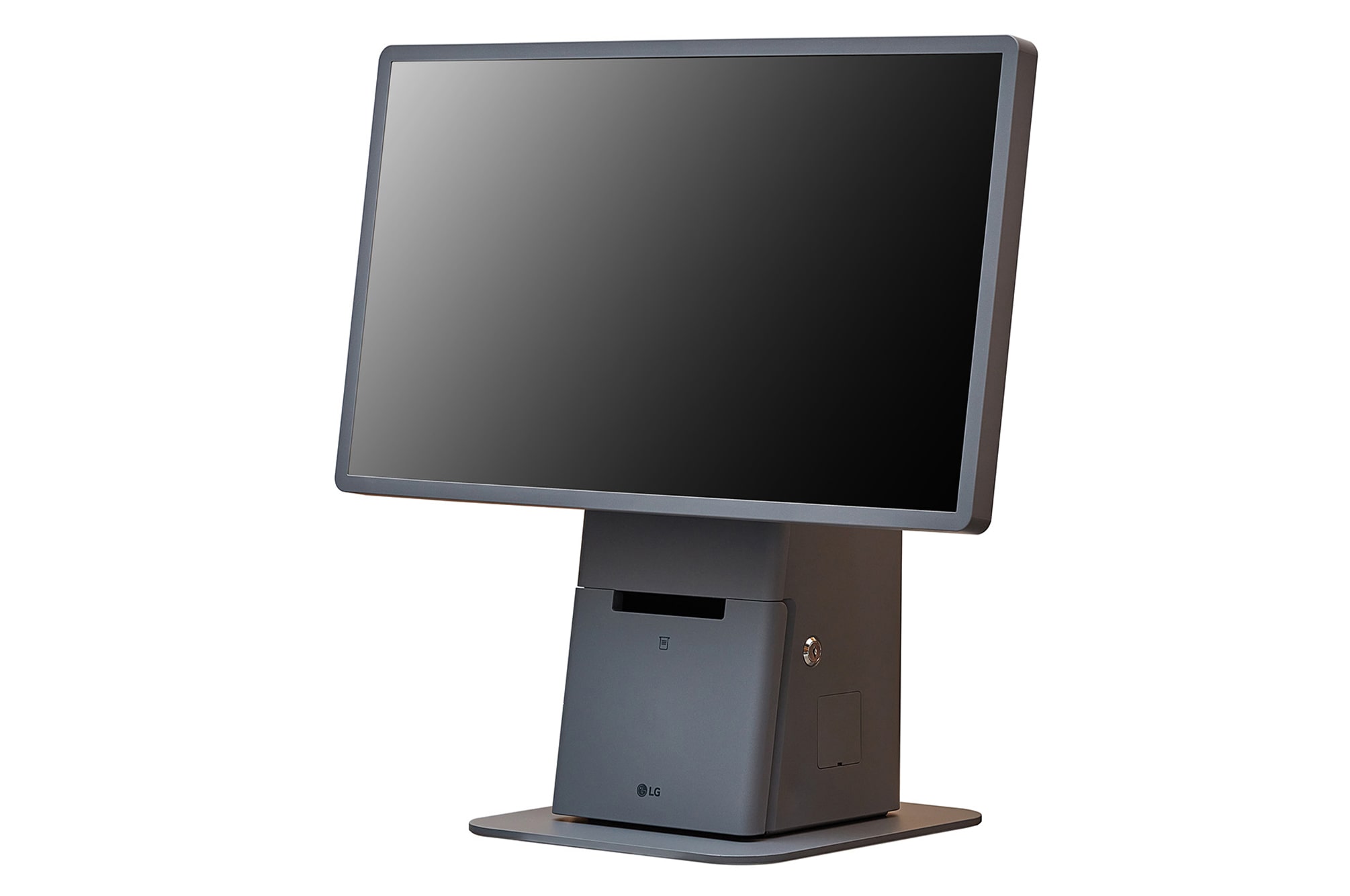
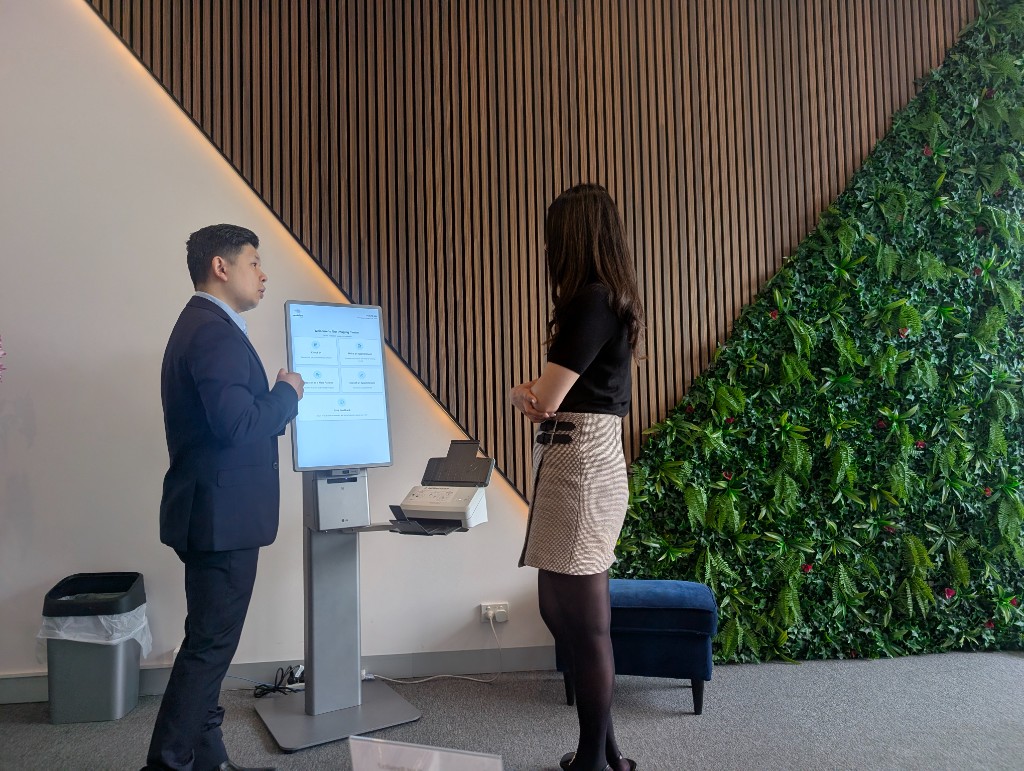
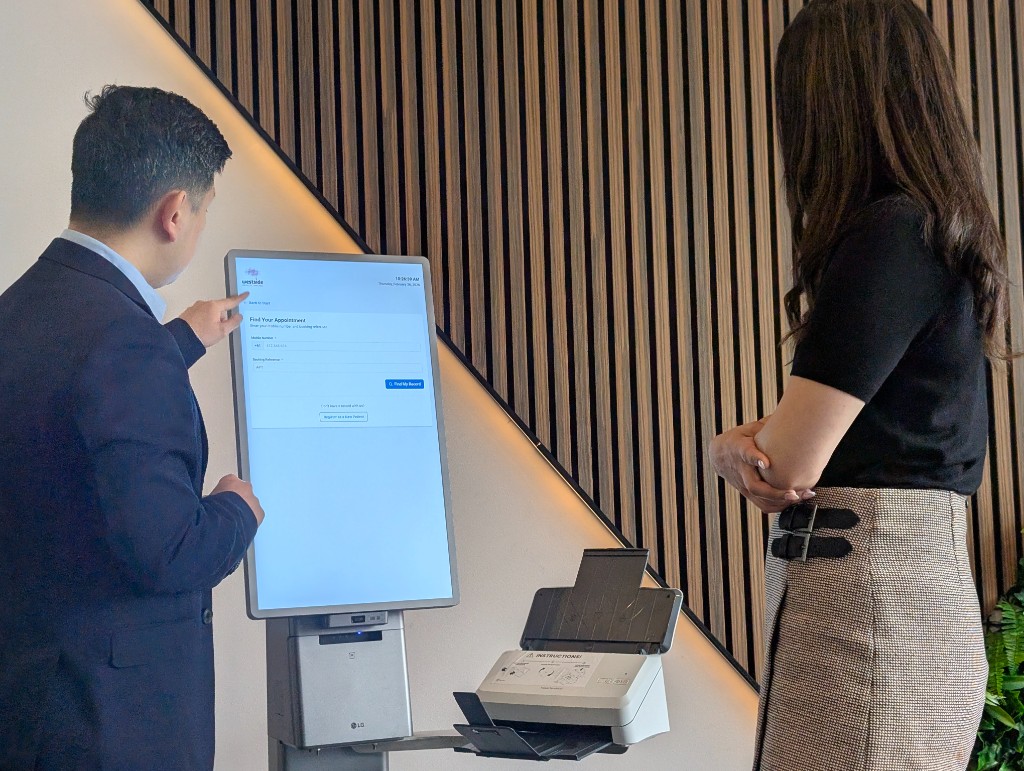
    LG 27 inch in-cell touch kiosks in portrait floor stand, freestanding, and landscape countertop formats, designed for high traffic retail and service counters.

  • Accessible by design

    Accessibility keypad modules, assistive audio, and ADA side panels are available, alongside modular peripherals such as barcode scanners and receipt printers.

  • One quote, one owner

    Hardware, software licensing, installation, and support quoted and delivered together by Trucell, so the screen and the platform never become two suppliers blaming each other.

A managed kiosk fleet versus screens nobody owns

The difference shows up weeks after install: either the fleet stays current, licensed, and visible, or it quietly decays into inconsistent, unmonitored furniture.

With RapidKiosk under Trucell

  • Every store runs the layout you approved, published from one console with a version history.
  • Offline units surface on the dashboard within a minute, and many come back with a remote wake instead of a site visit.
  • Licensing, billing, hardware, and support sit with one accountable supplier, with live pricing published at rapidkiosk.com.au.

Without it

  • Layout changes need a technician, a USB stick, or a remote desktop session per kiosk, so they stop happening.
  • Dark screens are found by customers and store staff, not by monitoring.
  • Software, hardware, and support invoices arrive from different vendors, and no one can say what a kiosk actually costs per month.

Built to sit in front of your stack

RapidKiosk connects to commerce, POS, search, and payment platforms rather than asking you to replace them.

  • Lightspeed POS
  • WooCommerce
  • SAP
  • Dynamics 365 Business Central
  • BigCommerce
  • Shopify
  • Coveo
  • Stripe EFTPOS

Simple per-kiosk pricing, published in the open

Every plan includes RapidKiosk Manager in full: Kiosk Designer, layout profiles and publishing, fleet monitoring and licensing, remote browser view, and host agent Wake-on-LAN. Prices are AUD per licensed kiosk per month, billed by subscription.

Free

$0 AUD / kiosk / month

Full platform access for evaluation and light use. Each kiosk shows a persistent on-screen trial watermark until you subscribe.

  • Complete Designer, publish, and fleet tooling
  • Self-serve signup at rapidkiosk.com.au
  • On-screen trial watermark
Start free at rapidkiosk.com.au

Powered by RapidKiosk

$10 AUD / kiosk / month

The same platform at a partner rate when each kiosk displays a small "Powered by RapidKiosk" credit linking to rapidkiosk.com.au. No trial watermark.

  • Everything in the platform, no watermark
  • On-screen "Powered by RapidKiosk" credit
  • Ideal for cafes, showrooms, and single sites
Subscribe at rapidkiosk.com.au

Standard

$150 AUD / kiosk / month

Full white-label experience: your brand on the floor, no RapidKiosk attribution or watermark required.

  • Everything in the platform, fully white-label
  • No attribution requirement
  • Volume and multi-year arrangements via Trucell
Talk to Trucell about Standard

Self Checkout

Quoted custom per kiosk

Licensed self-checkout with live POS and commerce integrations: catalog, cart, and tender against Lightspeed POS, WooCommerce, SAP, or Dynamics 365 Business Central.

  • Self-checkout license for retail floor use
  • Scoped to your stack, stores, and rollout
  • Bespoke kiosk builds and canvas designs quoted per job
Request a self-checkout quote

GST and commercial terms are confirmed at quote. Pricing is billed in AUD in every region; live pricing and self-serve signup stay at rapidkiosk.com.au, and volume or multi-year arrangements are handled by Trucell.

Send a kiosk brief: we reply with a shape and a quote path

Add your sites, use case, and the systems involved. No obligation: we respond with licensing options, LG hardware guidance where needed, and whether the free trial is the right first step.

Open full contact form instead

Frequently asked questions

Straight answers on licensing, hardware, integrations, and where RapidKiosk fits.

Can we run RapidKiosk software on kiosks we already own?

Yes. RapidKiosk Manager ships organisation-scoped Windows installers, an Android tablet shell, and a host agent, so existing kiosk PCs and tablets can be enrolled with a pairing code and managed alongside new hardware. Licensing is per kiosk per month regardless of who supplied the screen.

Can Trucell supply the hardware without the software, or the software without hardware?

Both. Trucell supplies LG Kiosk & Touch commercial kiosks for Australia and licenses RapidKiosk Manager separately or as one rollout. Most fleets buy them together so design, licensing, installation, and support have a single accountable owner.

What does the free tier actually limit?

Nothing functional. The free tier includes the full platform: Kiosk Designer, publishing, fleet monitoring, and remote tools. Each unlicensed kiosk displays a persistent on-screen trial watermark until a paid subscription covers it, which makes it a genuine evaluation path rather than a crippled demo.

How does self checkout connect to our POS or commerce platform?

Self Checkout mode runs catalog, cart, and tender on the kiosk against your existing systems, with integrations for Lightspeed POS, WooCommerce, SAP, and Dynamics 365 Business Central, plus commerce and search platforms including BigCommerce, Shopify, and Coveo, and Stripe EFTPOS for payments. It is licensed per kiosk and quoted to match your stack and rollout.

Who hosts RapidKiosk Manager and where does our data live?

RapidKiosk Manager is licensed by Trucell and hosted by Ripple Networks in Sydney, Australia. Kiosks authenticate with device tokens issued at pairing, report heartbeats to the platform, and receive published layout profiles and commands from the same console your team logs into.

Is this the same as the Smart Kiosk that Trucell offers medical practices?

No. Smart Kiosk is Trucell’s patient check-in solution for imaging and specialist practices, integrated with clinical systems. RapidKiosk is the retail and service floor platform: self checkout, queue management, and product discovery for stores, showrooms, and counters. They share Trucell as the accountable owner, not a codebase.

Services that deliver this solution

Trucell service lines that scope, implement, and run the work behind this solution: with ownership and evidence your teams can trace through procurement and assurance reviews.

View all articles →